

Accounts
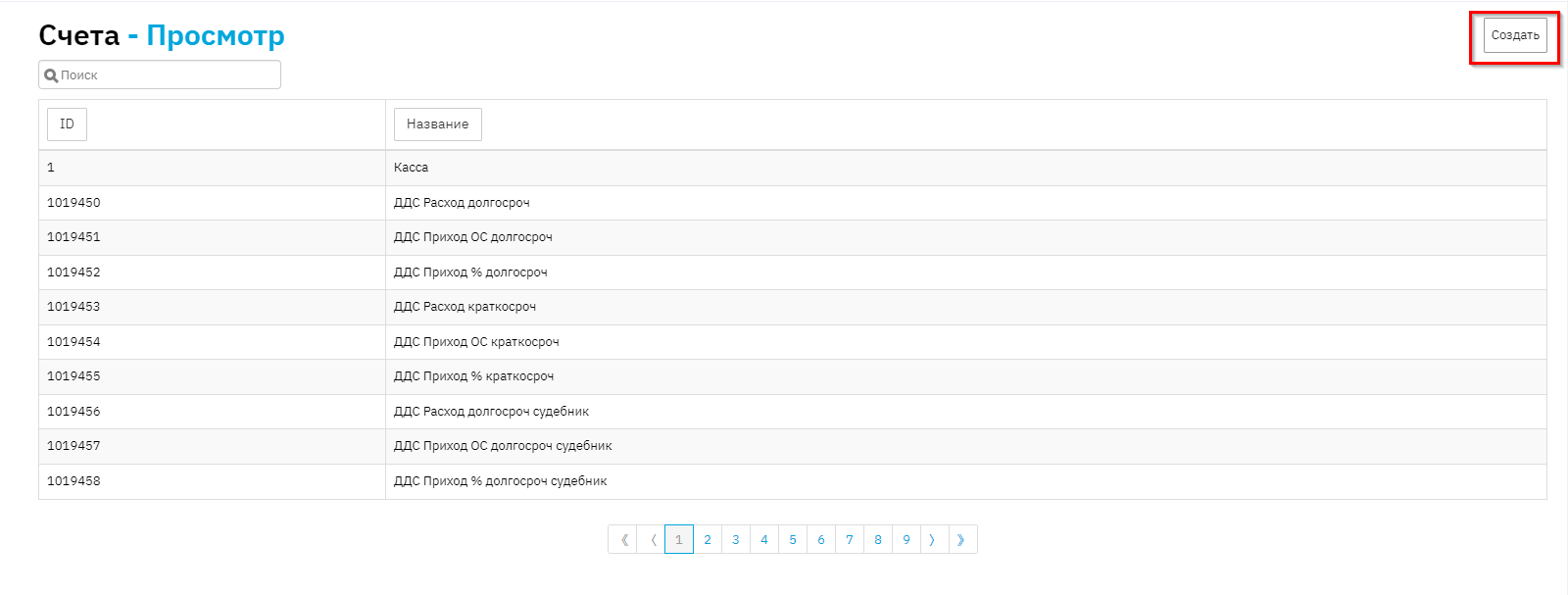
The Accounts directory stores information about the organization's accounts in use. The directory is needed both for external transactions and for Cash Receipt Orders and Cash Disbursement Orders. To view the directory, go to: Directories > Accounts

Setting up Cash Receipt Orders and Cash Disbursement Orders. To generate Cash Receipt Orders and Cash Disbursement Orders, you need to configure the "Accounts" directory and data in Constants. To do this, go to the Admin menu > Constants > Custom and find the fields: OKUD Form for Cash Receipt Order, OKUD Form for Cash Disbursement Order, and OKPO Form.

Next, go to the Accounts directory and start filling in the accounts. You only need to fill in the accounts you will be working with. If everything is clear with Cash Disbursement Orders, then for Cash Receipt Orders you need to understand whether the loans are short-term or long-term, whether there will be prepayment or not, whether there will be penalties or not. Whether you work with court cases.
To create a new account, click the "Create" button.
Name – specify the name (principal income, penalty income); Text for Basis – "Loan agreement {contract.name} dated {contract.issueDate}" or Payment under loan agreement {contract.name} dated {contract.issueDate}; You need to understand that variables should not be modified, but you can specify any wording.
Account – specify the account number; Long-term – specified by contract type. Long-term, when the loan term is more than one year; Cash Flow Type – you need to specify income or expense (Cash Receipt Order or Cash Disbursement Order); Amount Type – here we specify the amount;
Court case – specify whether it is a court case or not; Sold by assignment – specify whether it is sold or not; Additional Contract type – select the contract type;
For each type of contract, you need to create separate Accounts Text for the "Including" field in Cash Receipt Order – specify the text that will be displayed in the Cash Receipt Order in the basis "repayment of interest in the amount of {amountType.amount} rubles." The most important thing is not to modify the variable.

After filling in all fields, click the "Save" button.