

BrainySoft Home Page
After logging into the program, you see the Home page of the program:

The following elements are located on the home page:

In the upper left corner there is the Brainysoft logo, clicking on it will take you to the Home page from any page of the program. For example: if you are on the Reports – Overdue Loans page and have generated a report, you can use this button to return to the Home page.
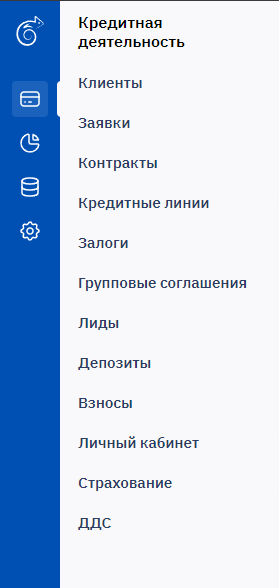
Program menu buttons.
This section contains buttons such as: Clients, Applications, Contracts, Collateral, Group Agreements, Leads, Deposits, Contributions, Reports, Cash Flow, Analytics, Admin. This functionality is used for MFO operations, creating a new client, submitting a new application, processing a contract, various reports, etc. A detailed description of the button functionality is covered in separate topics.

This block displays user information: Last Name First Name or position and the login used to access the system, as well as the access rights granted to them, the employee's branch and department.

In the lower left corner of the page, the current version of the program is displayed.

This block shows the latest announcements that were sent to employees. Announcements can be managed through the Admin menu - Announcement Management.

In the lower left corner there is a button with the user's name, clicking this button will display a dropdown list showing the user currently logged into the system, as well as a functional menu: Change Password, Log Out. Selecting Log Out will exit the program, and you will need to enter your login and password to access the program again.