

Basic - Logging the Execution of Reports
The report contains a log of report generation in chronological order. It displays which users generated reports during the selected time period.
To generate this report, go to the menu Reports > Basic > Logging the Execution of Reports.
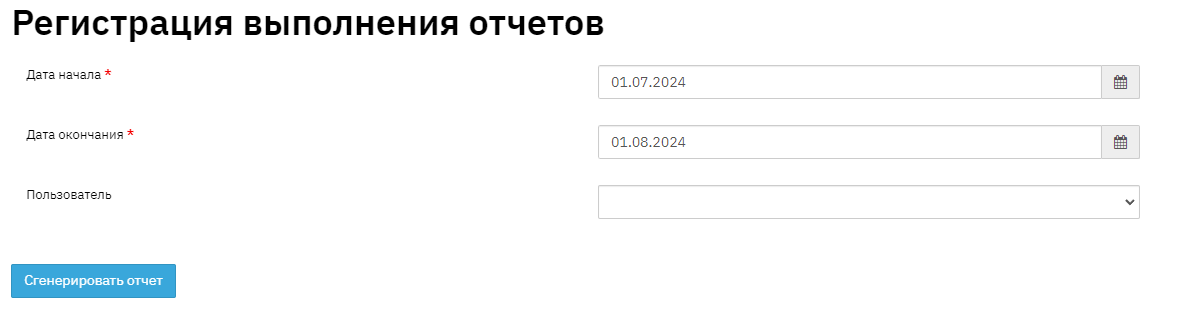
Select the period for which to generate the report. If necessary, specify a user; if no user is specified, a general report is generated.

- Record number
User – The user who generated the report.
Report name
Start date – Date and time when the report generation was started.
Completion date – Date and time when the report execution was completed.
Filter – Filters applied to the report.
Access restriction – Displays the user's access level (Branch/Division/Global…)