

Leads
The Brainysoft system has the ability to work with leads. For convenient viewing of leads, they are located in the general menu section "Leads"
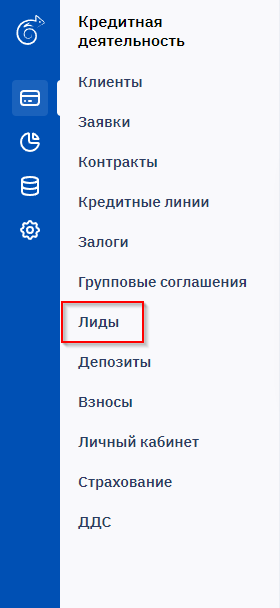
When selecting "Leads", a list form of all system leads will appear on the left side of the screen, where all brief information about the lead is provided. ID of related contract, application and client, mobile phone, creation date, acquisition channel, department, current status, attraction source.

When selecting a specific lead, all information about the lead available for reading will appear on the right side of the screen. At the top, there is the status, active fields for navigating to the contract, application, client, date and time.


