

Baseline - Actual Repayments
Actual Repayments – A report on received client payments. Date, amounts, information on distribution towards debts (principal, interest, penalties, advances, commissions), payment source, etc.
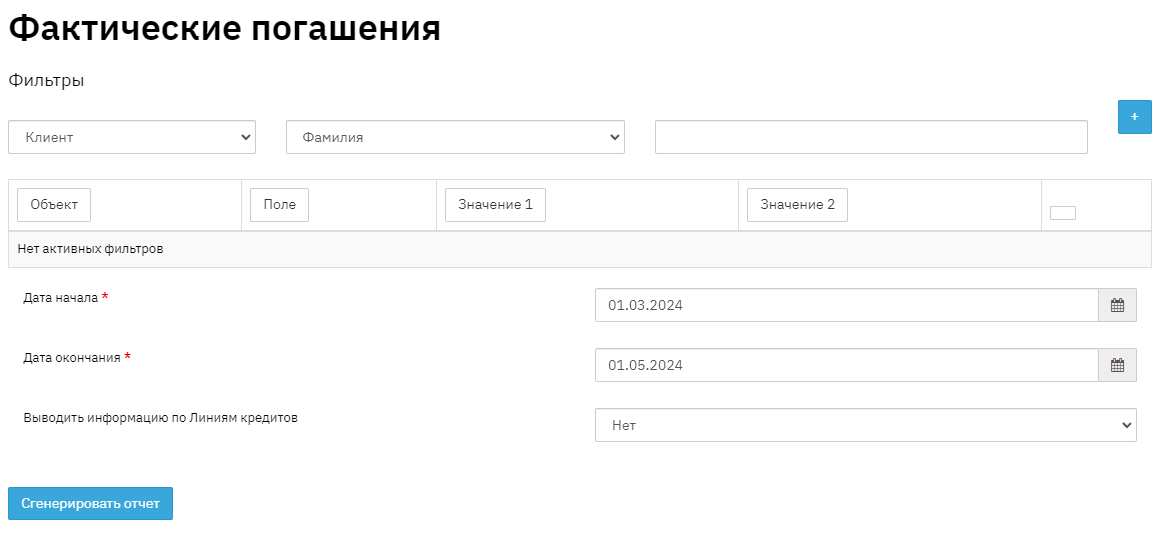
This instruction will demonstrate the breakdown of records and fields in the "Actual Repayments" report for the current date. To obtain the report, you need to generate it by selecting "Report" - "Baseline" - "Actual Repayments" from the taskbar, setting a period in the past if necessary, and clicking the "generate" button. Then select from the list of generated reports and download it to your PC.
The report is grouped by repayment date with a total row per date, and within the date by groups with a total row per group.
- The report displays payments broken down by each type of amount, as well as showing prepayment and what types of amounts it is applied to. The total column reflects the total amounts of the payment made by the client. The last "Total" row can be used to compare the total income amounts for the period.
- The "No." field displays the sequential number in the report list.
- The "Client" field displays personal information about the borrower – client's full name. This information is displayed in the "Client" section.
- The "Contract Code" field displays the unique sequential number of credit contracts. This information is displayed in the "Contract" section.
- The "Principal" field displays the principal debt amount
- The "%" field displays the interest amount
- The "Penalties" field displays the penalty amount
- The "Fees" field displays the fee amount
- The "Overpayment" field displays the overpayment amount
- The "Principal Prepayment" field displays the prepayment amount towards the principal
- The "Interest Prepayment" field displays the prepayment amount towards interest.
- The "Total" field displays the total amount of actual repayment.
- The "Payment Method" field indicates the repayment method. This information is displayed in the "Contract" - "Financial Information" - "Payments" section.
- The "Cash Register/Bank" field displays the name of the bank or cash register where funds were deposited. This information is displayed in the "Contract" - "Financial Information" - "Payments" section.
- The "Group" field displays information about the name of the client group for a group loan. This value is filled in when creating a group agreement.
- The "Group Agreement" field displays information about the name of the group agreement.
- The "Number of Overdue Days (actual)" field displays information about the actual number of overdue days.