

Client Groups
Client Groups is a directory that stores the names of client groups for group lending.
To view and edit the directory, go to Directories - Client Groups.
To add a new client group, click "Create".
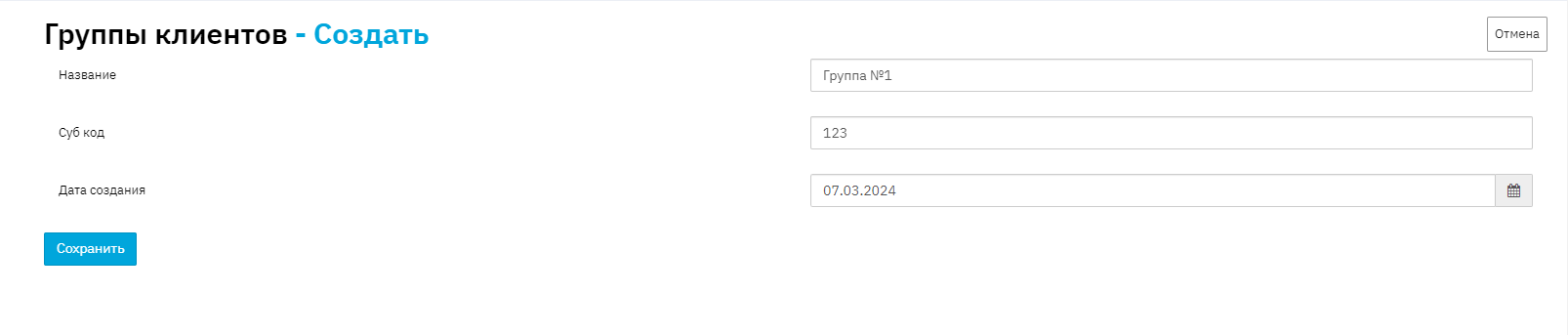
Fill in the Group name, if necessary the sub code, and specify the creation date. Click the "Save" button.
If you fill in this directory before creating a group agreement, the data from the directory will be pulled into the "Client Group" field in the Group Agreements menu when you click the "Select existing client group" button while creating a new group agreement.
A new client group can also be created from the Group Agreements menu by clicking the "Create new group agreement" button.

Fill in the name of the new client group, the name of the group agreement, and the creation date. Click the "Submit" button. Then you will see a form for combining clients into a group, and the newly created client group will appear in the "Client Groups" directory.