

Analytical - Trial Balance
Trial balance. Report for accountants. Convenient for comparing turnovers exported to 1C to confirm the correctness of the export.
This report shows the turnover of income and expense transactions for the organization over a period.
To generate the report, go to "Report" - "Analytical" - "Trial Balance", set the date period, select the appropriate filter if necessary, and click the "Generate" button. Then select from the list of generated reports and download it to your PC.
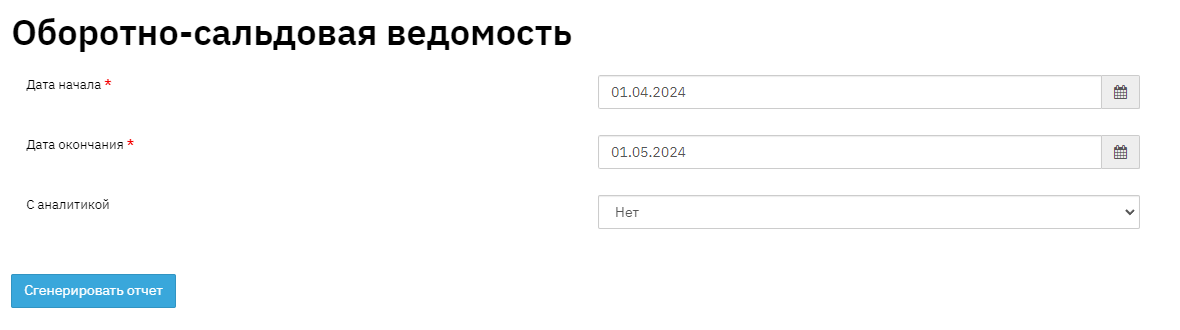
Example of report without analytics:

- Field "Amount type" - this field specifies the types of amounts
- Field "Opening balance" - this field shows the balance of funds by amount types at the beginning of the reporting period
- Field "Debit" - this field displays the debit turnover for the reporting period by amount type
- Field "Credit" - this field displays the credit turnover for the reporting period by amount type
- Field "Closing balance" - this field displays the final turnover at the end of the reporting period
Below is the report in "analytics" mode:
This report provides a more detailed breakdown of information. Division of contracts into short-term and long-term, separation by loan status (Normal, overdue, restructured and restructured overdue)
