Signature Group
Signature Group is a directory whose information is displayed in print forms for selecting an Official and their full name as a signatory.
To view the directory, navigate to "Directories" > "Signature Group".

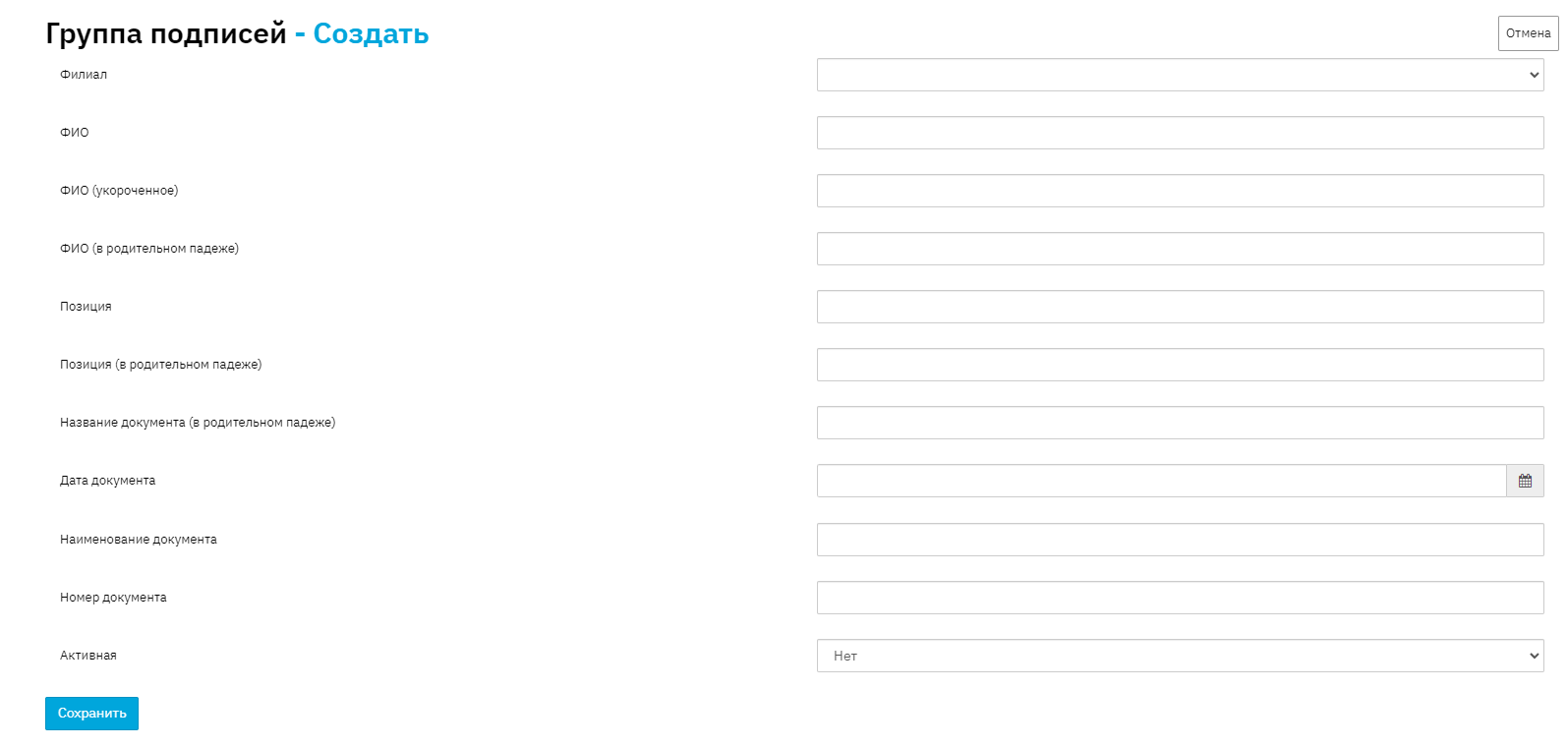
To add a new signature, click the "Add" button.
Select the appropriate employee branch, fill in the full name and position title (job title), the document on which the signatory acts, the date and document number. To save the new entry, click the "Save" button.