

Legal Entities
At the end of the article, you can watch the VIDEO INSTRUCTION
Legal entities – this directory stores the name and details of legal entities (Organizations). Information from this directory will be displayed in printed forms of contracts, supplementary agreements, and other documents.
In order to differentiate access to client information between MFO office employees, as well as for generating reports and their subsequent analysis by branches and divisions, the system has the following hierarchy:
Example: The legal entity LLC MFO "City Credit" has two branches in Kaluga and Tula, the Kaluga branch includes two divisions (offices) – an office on Lenin Street and an office on Moskovskaya Street, the Tula branch includes offices on Mayakovskaya Street and Michurin Street. If there is only one division in a branch, create one division for each branch named "Main". Information on branches and divisions is also entered in the corresponding directories.
To add a legal entity to the directory, follow the links:
"Directories" > "Legal Entities" or
"Admin" > "Directories" > "Legal Entities".

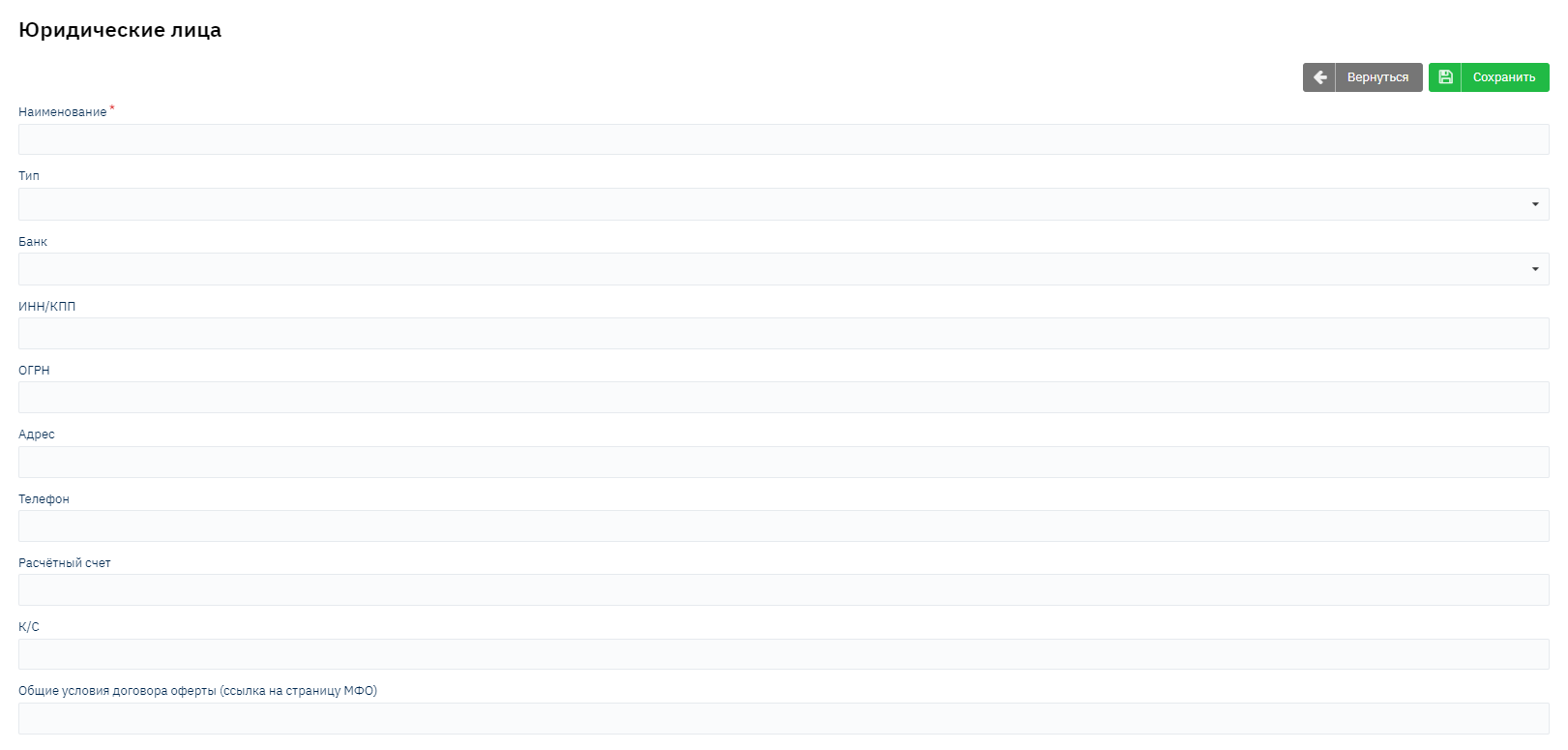
The following form is displayed on the page:
The Subsistence Minimum Amount and Capital Amount modules are specific settings for individual organizations that were created based on a paid technical specification.
Name – Enter the name of the legal entity
Type - Enter the organization type
Bank – The bank where the organization is serviced. This field is a dropdown list, information is pulled from the "Banks" directory.
TIN/TRC - Enter the organization's TIN and TRC data
PSRN - Enter the organization's PSRN data
Address – Enter the address of the organization.
Phone – Enter the organization's phone number.
Settlement account – specify the settlement account of the organization
Correspondent account - Specify the correspondent account of the bank where the account is opened
General terms of the offer agreement (link to MFO page) - Specify the link to the offer page on the website.
After filling in all the data, click the "Save" button