

Donors
Donors is a directory that stores information about types of funding sources. Information from the Donors directory is pulled into the "Funding Source" field in the contract. As a rule, this directory is used by organizations that, in addition to their own funds, use borrowed funds to issue loans.
To view the directory, go to Directories => Donors.
To create a new donor, click the "Create" button. In the form that opens, you need to fill in the following fields:
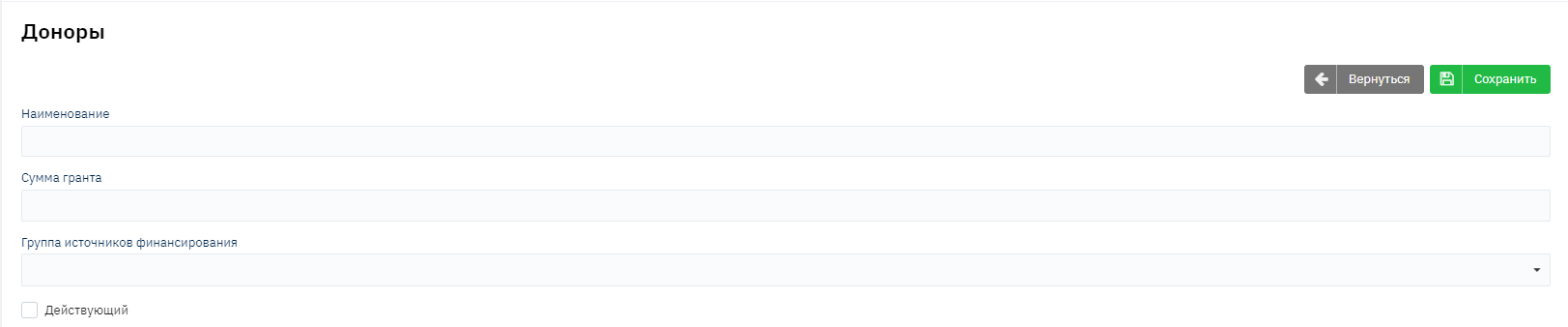
Name - the name of the donor;
Grant Size - the total amount is specified. If you specify 0, then when selecting such a donor in the contract as a funding source, there will be no restrictions on the amount of issued loans. If a specific amount is specified, then when setting the corresponding funding source and issuing the contract, a check will be performed on the possibility of issuing a particular amount, namely the system will compare the active balance and the loan amount. If the balance for this donor is less than the amount to be issued, then it will not be possible to issue such a contract.
To save the entered data, click "Save".